
How to get more Google reviews without breaking Google's rules
Most happy customers will leave a review if you ask at the right moment and make it one tap. Here's how to do that properly, and the shortcuts Google and UK law now ban.
By LocalQuiver8 min read
Most of the businesses we talk to have the same problem. Customers are happy, they say so at the counter or on the phone, and then they go home and never write a word. Meanwhile the one person who had a bad afternoon finds Google all by themselves.
That gap isn't because your customers don't care. It's because nobody asked them at a moment when it was easy to say yes. The good news is that closing it doesn't need tricks. In fact, the tricks are exactly what now gets businesses into trouble.
Here's how we'd go about getting more Google reviews for a local business, step by step, and the shortcuts to leave well alone.
Why Google reviews matter for a local business
When someone searches for a florist, a plumber or a café near them, the first thing they usually see is a map with a handful of businesses on it, each with a star rating and a review count beside its name. That's the shortlist.
Google is open about reviews playing a part in who shows up there. Its own guidance on local ranking says that more reviews and positive ratings can help a business's local ranking, and that replying to reviews shows you value your customers' feedback. (Google: tips to improve your local ranking)
Reviews do a second job once people find you. A recent review that mentions the thing they're looking for ("came out the same day", "lovely with our nervous dog") answers the question they were about to ring you with.
Ask at the right moment, every time
The biggest difference between a business with a steady trickle of reviews and one without isn't charm or luck. It's asking every customer, every time, at the moment they're happiest.
That moment depends on what you do:
- A café or deli: at the till, or the same afternoon, while the visit is fresh.
- A trade: when the job is finished and the customer has seen the result, not when the invoice goes out three weeks later.
- A vet or a clinic: after the appointment, once the worry has passed.
Doing this from memory doesn't work, because the busiest days are exactly the days you forget. Tie the ask to something that already happens: adding a customer to your system, finishing a job, sending a receipt. That's why our requests go out automatically when a customer is added, or a set time after the job. (How we get the reviews in)
Make leaving a review one tap
Every extra step loses people. "Search for us on Google, find the reviews, press write a review" is three steps too many.
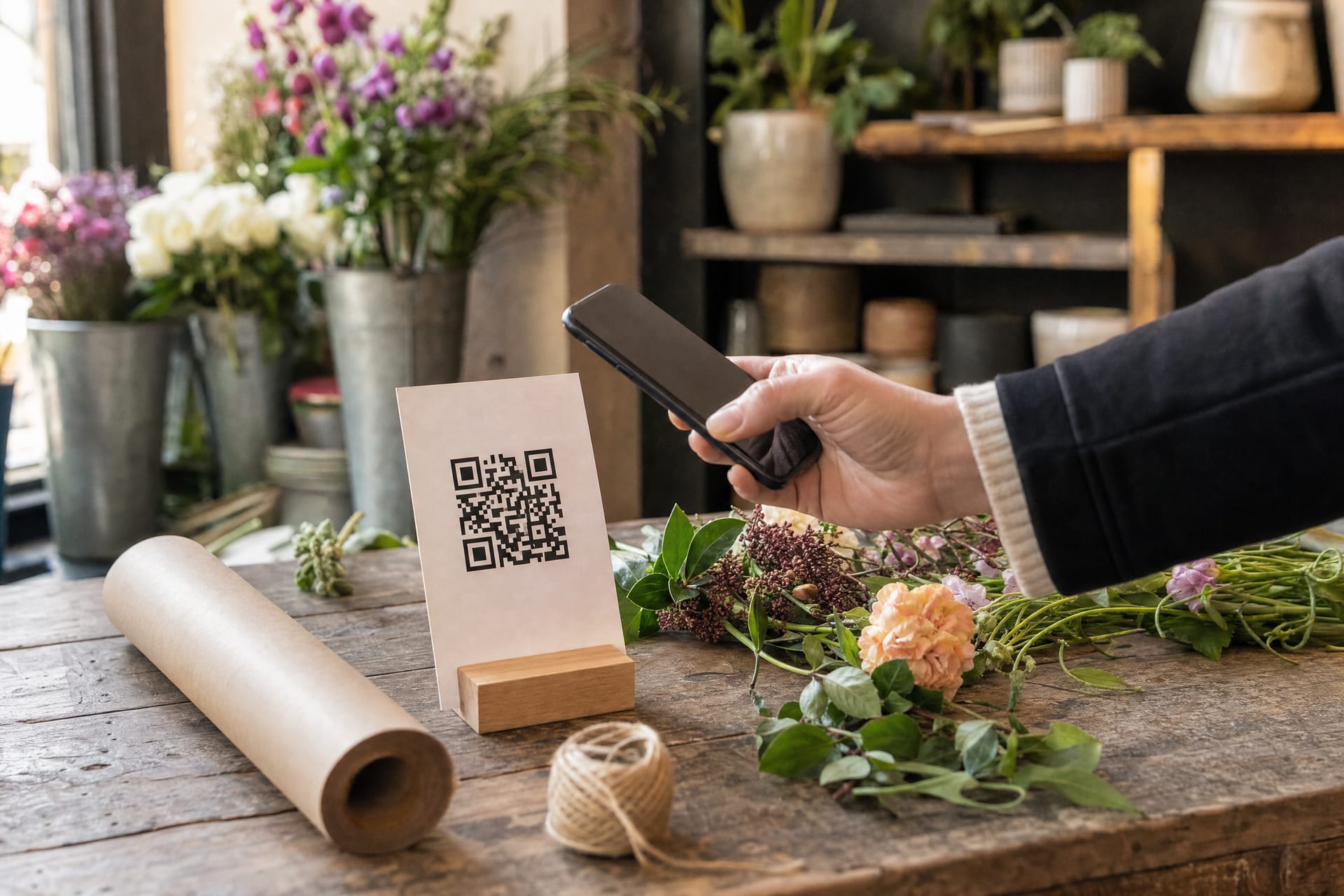
Google gives every Business Profile a direct link for leaving a review, and you can turn it into a QR code. Google's own help suggests putting it on receipts, in thank-you emails and on a printed code in your shop. (Google: create a link or QR code to request reviews)
A few places it earns its keep:
- A small stand on the counter, at eye level, not tucked behind the card machine.
- The bottom of every invoice and email receipt.
- A sticker inside the van door, for trades who finish jobs at the customer's house.
- Your email signature and the text you send to confirm a booking.
If you use more than one, give each place its own code so you can see which ones people actually scan. We do this with a review link and a separate QR code for each place. It's worth knowing what a scan tells you, though: someone tapped through, not that they finished a review.
Follow up once or twice, then stop
Plenty of people mean to leave a review and simply forget. A polite reminder a couple of days later brings a lot of them back. We'd keep it to one or two reminders at most, because after that it starts to feel like nagging.
Two rules keep follow-ups considerate rather than pushy:
- Stop the moment someone acts. Nobody should get "just a reminder" about something they did yesterday.
- Always offer a way out. Every message should make it easy to say "no more of these, thanks".
Write the message in your own words, too. "Thanks for having us round on Tuesday, Mrs Patel. If you've got a minute, a Google review really helps a small business like ours" lands far better than anything that reads as if a system wrote it.
What Google and UK law don't allow
This is where well-meaning businesses get caught out, so it's worth being precise.
Asking only your happy customers. Google's policy says businesses must not "discourage or prohibit negative reviews, or selectively solicit positive reviews from customers". (Google: prohibited and restricted content) That rules out the common trick of asking "how did we do?" first and only sending the five-star answers on to Google. The UK's Competition and Markets Authority says the same in its guidance: encouraging just the satisfied customers to leave reviews can count as cherry picking. (CMA: fake reviews guidance)
Offering something in return. Google doesn't allow incentives "such as payment, discounts, free goods and/or services" in exchange for a review. That includes "10% off your next visit if you leave us a review", and in our view it includes prize draws for reviewers too.
Fake reviews, of any kind. Since 6 April 2025, under the Digital Markets, Competition and Consumers Act 2024, writing or commissioning fake reviews, and publishing reviews in a misleading way, are banned outright in the UK. The CMA can now decide cases itself and fine a business up to £300,000 or 10% of its worldwide turnover, whichever is higher.
Pressure at the counter. Google also says businesses shouldn't require or pressure customers to leave a review while they're on the premises, or ask them to include particular content. A QR code on the counter is fine. Standing over someone while they type is not.
What's allowed, and encouraged, is simply asking everyone for an honest review with no strings attached. Google's own help even notes that a mix of positive and negative feedback often feels more trustworthy. (Google: tips to get more reviews)
That's why our review page has no star question in front of it. Everyone sees the Google button, happy or not, and beside it there's a private feedback button for anyone who'd rather tell you directly.
Reply to every review, good and bad
Google doesn't say that replying moves you up the map, but replies change how your reviews read to the next person. A thank-you that mentions what the customer actually said shows there's a real person behind the business. A calm, specific reply to a bad review shows the next reader how you deal with problems, which is often what they really wanted to know.
A few habits that help:
- Reply within a few days, while it's still relevant.
- Use the customer's name and mention something they said.
- For a bad review, acknowledge it, don't argue the details in public, and offer a way to talk it through.
- Keep it short. Two or three sentences is plenty.
If keeping up feels like another job, we draft replies in your voice for you to approve, or answer new Google reviews for you inside the hours you choose. (How our replies work)
A simple plan for this week
You don't need any software to start. This week:
- Find the review link in your Google Business Profile and make a QR code from it.
- Put the code on your counter, your invoices and your emails.
- Decide on the moment you'll ask, and tie it to something you already do.
- Write a short, friendly message in your own words.
- Reply to every review you've had in the last month.
Do that consistently for a few months and you'll find the reviews start to look after themselves.
Questions owners ask us
Is it against Google's rules to ask for reviews?
No. Google allows businesses to ask customers to share a genuine experience, as long as you don't offer anything in return or try to influence the rating or what they write. What isn't allowed is asking only the customers you expect to be happy.
Can I offer a discount or a free coffee for a review?
Not for Google reviews. Google's policy bans incentives of any kind in exchange for a review. UK law allows some incentivised reviews as long as they're clearly disclosed, but because Google bans them, an incentivised Google review is likely to be misleading as well.
How many reminders is too many?
We'd send no more than two, and stop as soon as someone leaves a review or asks you to stop. Beyond that you tend to lose goodwill rather than gain reviews.
What should I do about a bad review?
Reply politely and briefly, take the detail offline, and put right what you can. A fair reply to a fair complaint reassures everyone reading it later. If a review breaks Google's rules, for example because it's fake or abusive, you can report it from your Business Profile. (What happens when you get a bad review)