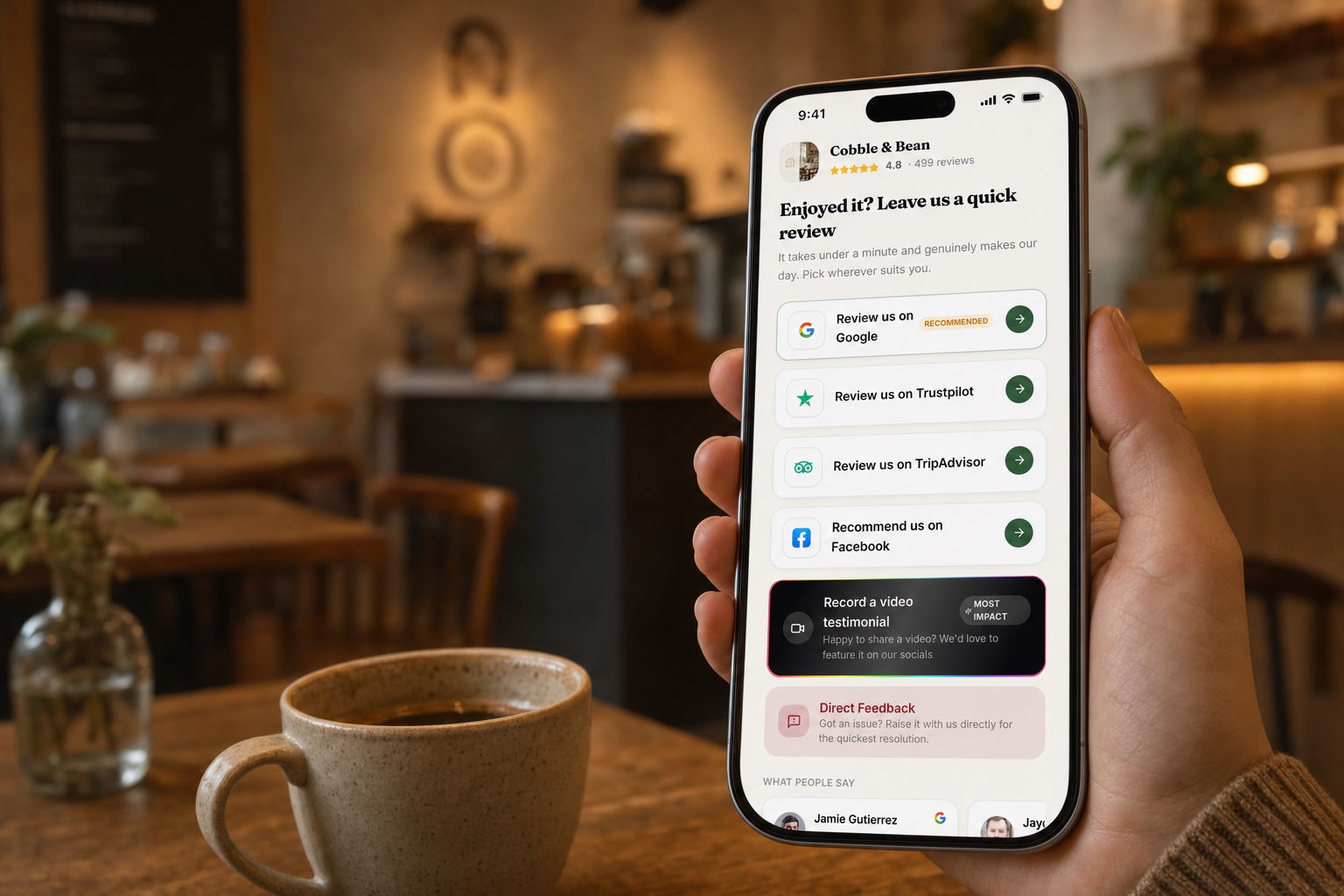
One page with your Google button and recent reviews, on a short link we host — and a trackable QR code for every place you'd put one.
Most customers are happy to leave a review, right up until they have to work out where. Your review link removes the hunt. It's a single page on a short link we host, carrying your logo, your Google button and a run of your recent reviews, so whoever lands on it can see at a glance that they're in the right place. One tap on the button and they're on your Google review form.
Because we host the page, there's nothing for you to build and nothing to keep updated: the reviews on it refresh themselves. The same short link works everywhere you meet customers — in the requests that go out by text or email, on an invoice, at the counter, on the side of a van.
What's on the page
Three things, deliberately. Your logo and your colours, so the page is unmistakably yours rather than ours. Your recent reviews, so the customer deciding whether to write one can see that real people got there first. And the buttons.
There are two. The Google button, front and centre. And a private-feedback button, for anything a customer would rather say to you than to the internet — whatever comes through it lands with you and is never published. Everyone sees both. We don't quiz people on how happy they are and steer the disappointed ones somewhere quiet. Nobody is screened.
A code for every place
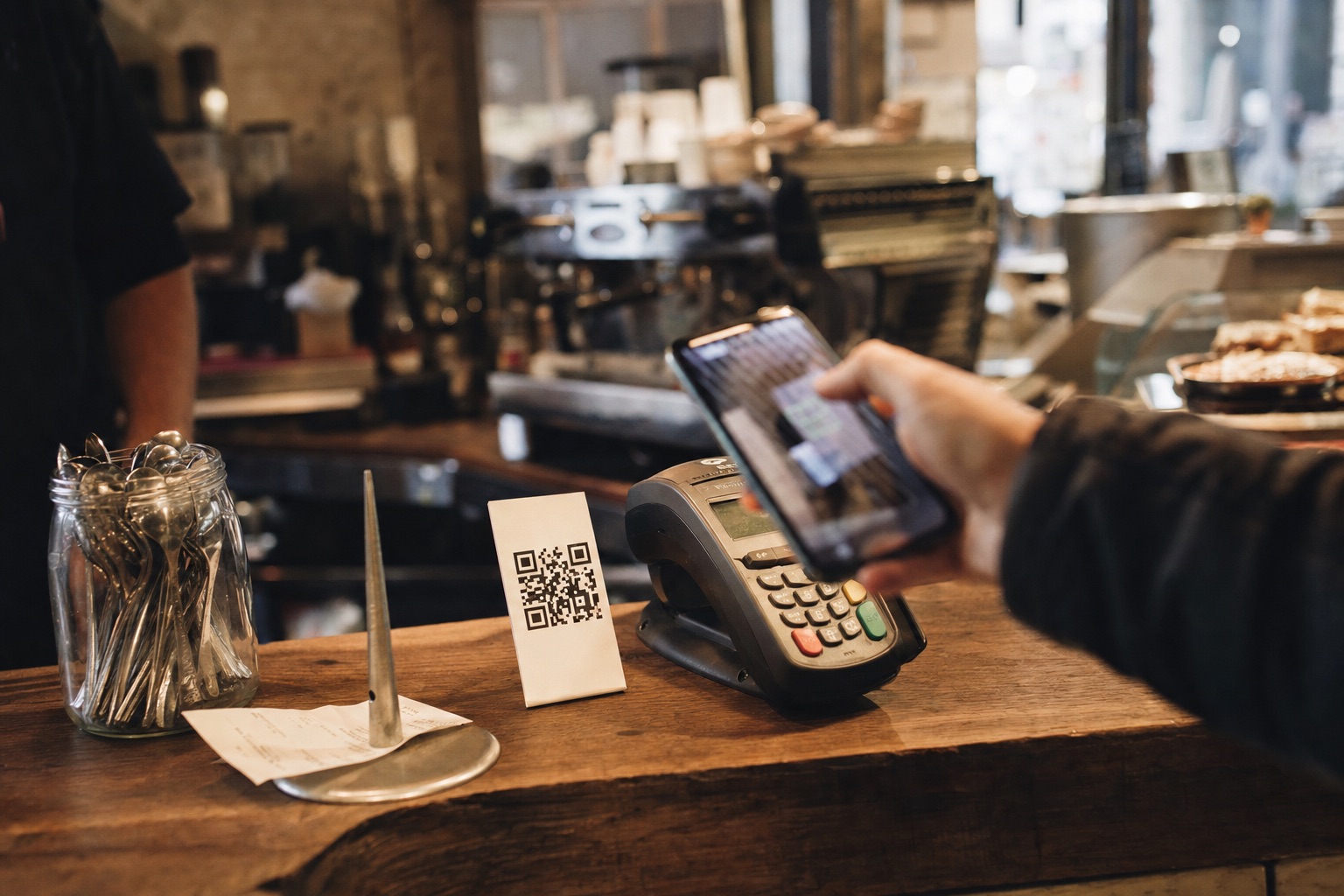
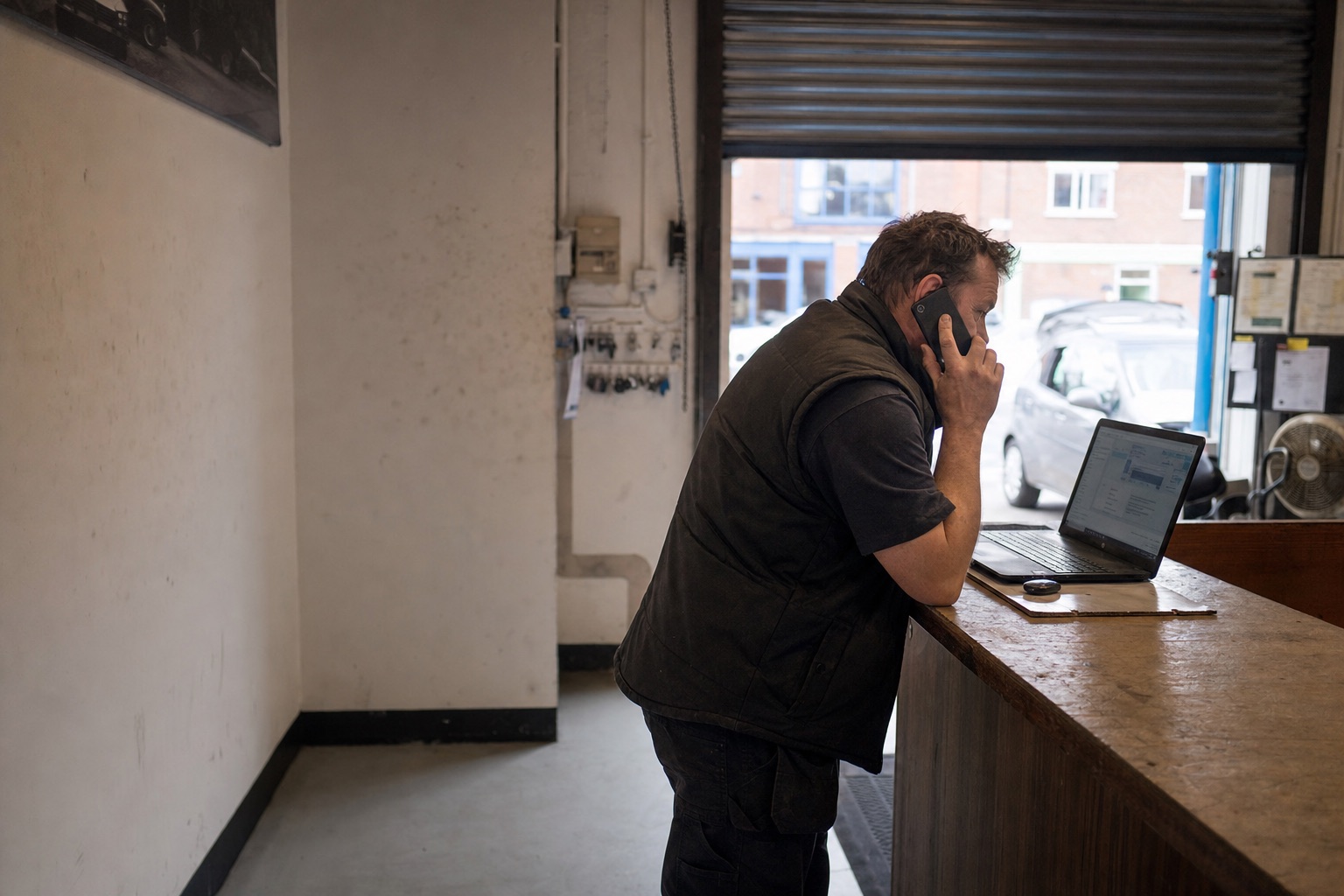
One link is useful; knowing where it gets used is more useful. So you make a QR code per place: the counter, your invoices, one per van, the bottom of a quote. Every code opens the same page, but each one is tracked separately. There's nothing for the customer to install either — the phone's camera reads the code, the page opens, done.
That's how you learn which spots earn their keep. If the counter code ticks up every week and the van code hasn't moved since spring, you know where your customers' attention really is, and which code is just wallpaper. Print them large or small, laminate one for the till; the link behind them stays put, so the codes don't go stale.
What a scan does — and doesn't — tell you
Here's the honest bit. When a code's count goes up, it means someone tapped a review button on your page. That's intent, not proof a review was left. Google doesn't tell anyone which tap became which review, and we won't dress the numbers up as something they aren't. Anyone who claims to know more than that is guessing.
What the counts are good for is comparison: which places get scanned, which get ignored, whether the invoice footer was worth the ink. The reviews themselves arrive in your inbox as they're published. That's the proof — and it comes from Google, not from us.
One page with your Google button, logo and recent reviews, on a short link we host. Make a code per place: the counter, your invoices, one per van, and track each separately. A scan counts a tap on a review button: intent, not proof a review was left.
Google, Trustpilot, TripAdvisor and Facebook in one place. Google arrives every hour through an official connection to your Business Profile; the other three update daily. Filter by platform, stars or what still needs answering, and see the photos customers attached. Video testimonials and private feedback land there too.
Nine ways to show them: wall, carousel, spotlight, badge, floating bubble and more. One line of code, any website. Set a minimum rating, filter by keyword, or hand-pick them. Star-rating markup comes with it, so search engines read your rating. Any review you'd rather not show stays out.
A PIN-protected link for the counter: your Saturday team can stamp cards without touching your account. Any phone or tablet does it: no new hardware. Points are typed in or worked out from the spend. A mis-tap can be undone for fifteen minutes, and every stamp is logged.
Put your domain on the site when you're ready: we give you the DNS records, the certificate is automatic. Visitor figures are ours: how many came and what they looked at. No cookies, no IP addresses kept, no cookie banner. We can set up Google Search Console too.
Articles are planned around your Google categories, your town and the places you cover, then written from your reviews, quoted as the customer wrote them. Every three days, weekly or fortnightly, whichever you pick. Posts land as drafts. If your blog is on WordPress, they publish there instead.